

Configuring the Bot
Archivian comes with sane configurations and features enabled by default.
Easy Wizard
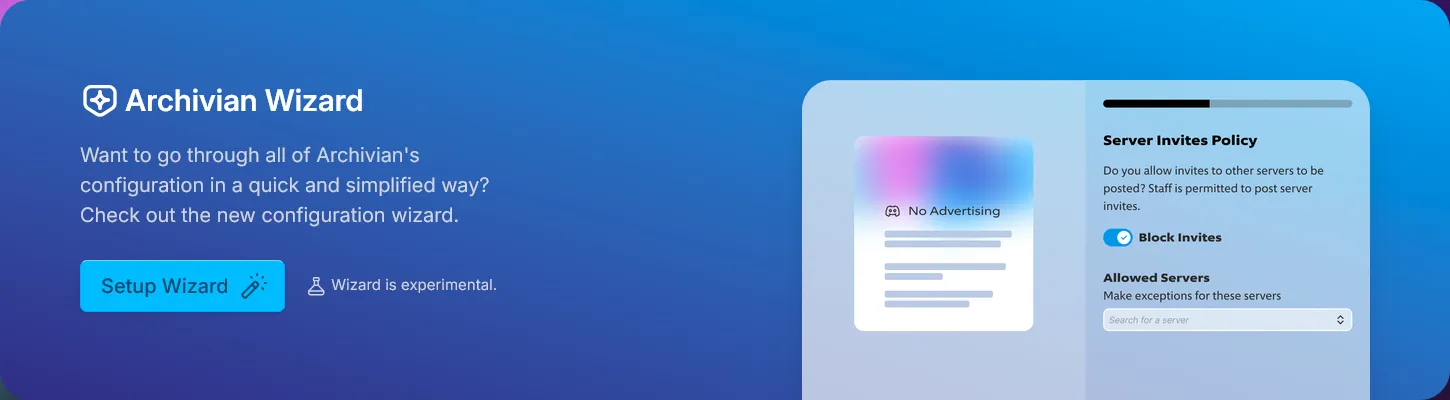
Section titled “Easy Wizard”You can use the big setup wizard to easily go over the main configuration for various features.
- In the dashboard, navigate to the server you want to configure
- Go to the “Home” category in the sidebar
- Click the “Setup Wizard” button in the big carousel slide at the top. You may need to navigate the carousel to get to the right one.
- Start the wizard
Familiarity Levels
Section titled “Familiarity Levels”At the start of the Wizard, you will be asked how familiar you are with various concepts of Discord. Select roughly what you think is right, and the wizard will also explain relevant concepts on the left side of the wizard.
Having a basic understanding of some Discord concepts is important for understanding features of Archivian and how to use it, and also how to efficiently manage your own server.