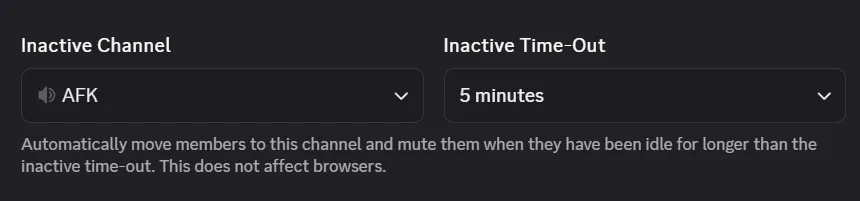
AFK Voice Channel
What it does
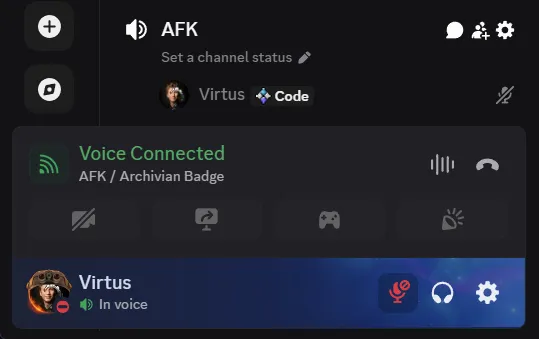
Section titled “What it does”When someone has no voice activity in a voice channel for a minimum amount of time, Discord automatically moves them to a dedicated voice channel for AFK people. In this channel nobody can use voice activity — not even the server owner.
This is handy for flagging users who haven’t been present for a while. It also helps with people who fall asleep on a call or forget they’re still connected: with a low enough threshold, they’ll be moved before they make any sound (or at least it’s better than nothing), so they end up in a “safe space” automatically.
After the move, Discord shows a popup in the user’s app letting them know what happened.

Server settings
Section titled “Server settings”Set which channel members are moved to under Inactive Channel, and how long they can stay idle before being moved under Inactive Time-Out.